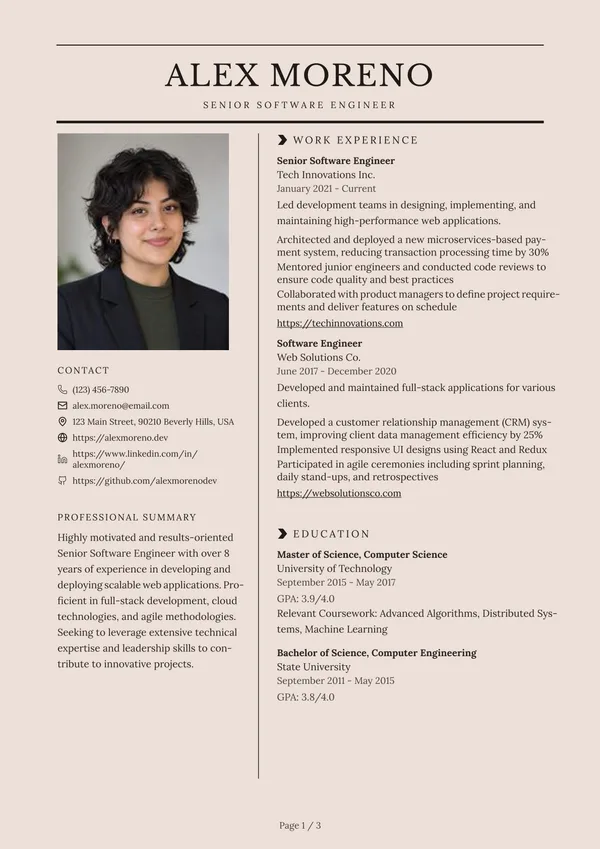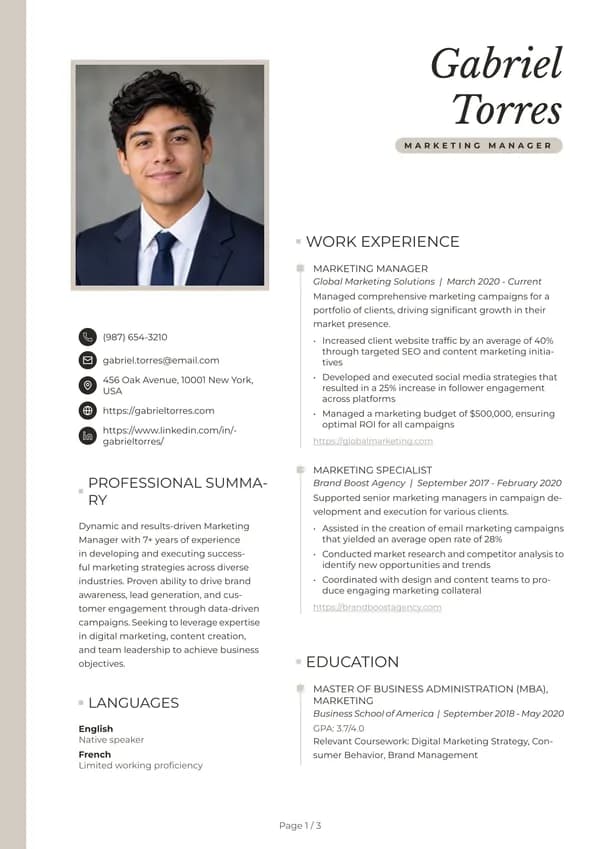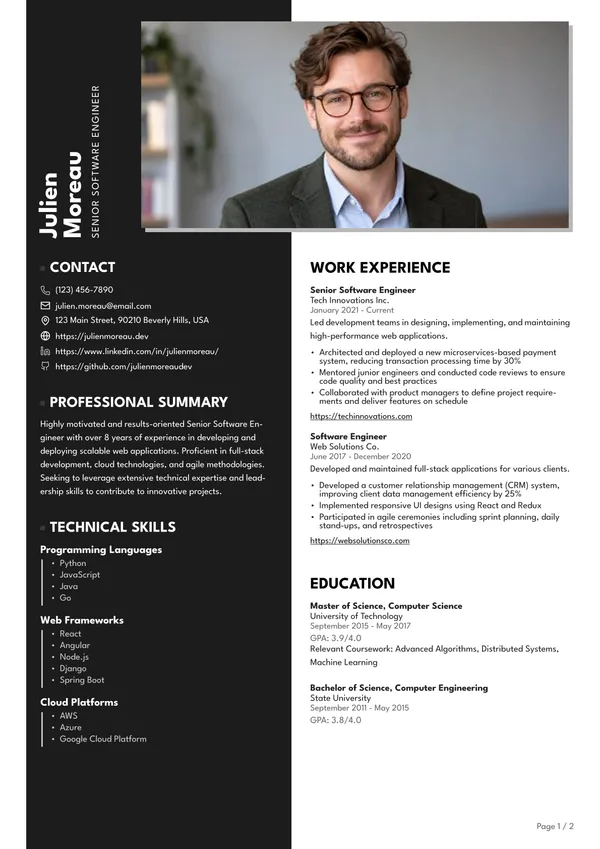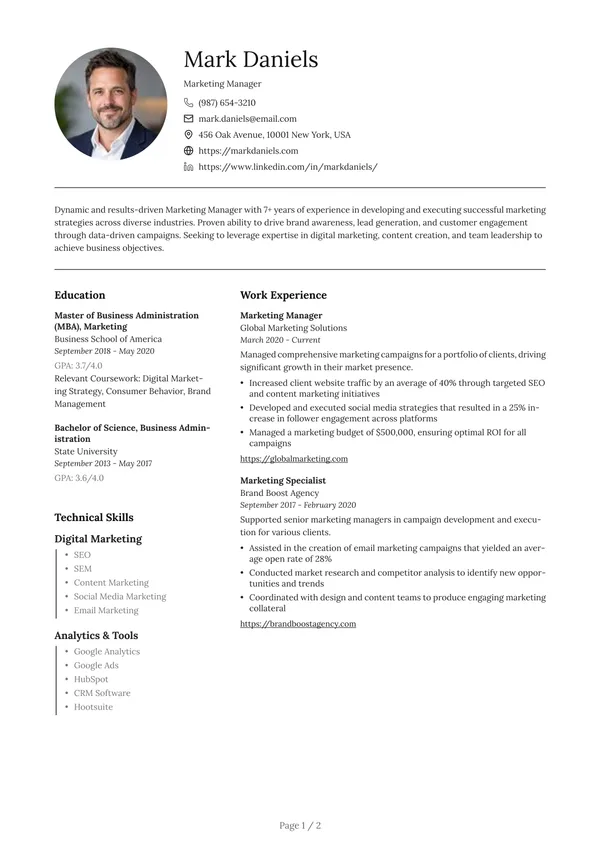
Typographic Columns
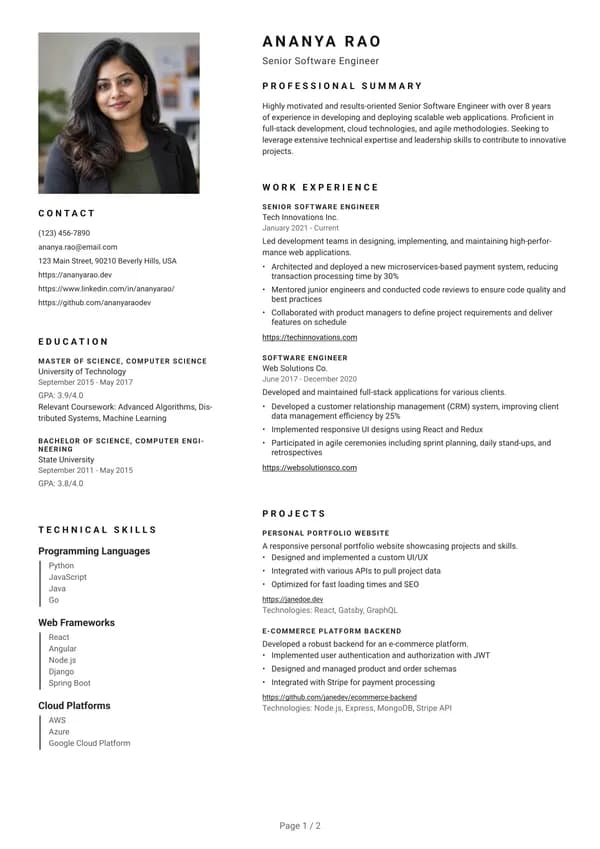
Resume template · Sidebar on the left · Square photo
A typographic two-column layout: contact, education and skills on the left under your photo, experience and projects on the right. Spaced capitals in the headings give it an editorial feel.
Best for: Candidates with many projects or skills to show next to a long experience list
Template details
- Layout
- Sidebar on the left
- Photo
- Square photo, optional
- ATS
- ATS-friendly: simple reading order, no text hidden in graphics.
- Colours
- Default font
- Roboto
- Without a photo
- Works without a picture: the photo area is removed and the layout adapts.
Questions about this template
Is the Typographic Columns template free to use?
You can build your resume and preview it with this template for free. The free PDF carries a watermark, which is removed once your resume is unlocked.
Is it ATS-friendly?
Yes. It uses a simple reading order and real text, so applicant tracking systems can read it.
Can I change the colours?
Yes. The template starts with its own colour, and you can pick another theme colour and font on the download page.
What if I don't want a photo?
Leave the picture out and the photo area disappears; the layout adjusts so nothing looks empty.
Ready to use Typographic Columns?
Upload your current resume or start a new one: this template will already be selected when you download.
Resume examples to read with this template
- Registered Nurse (RN)A complete registered nurse resume example with summary, clinical experience, licences and skills, plus practical tips for writing your own.
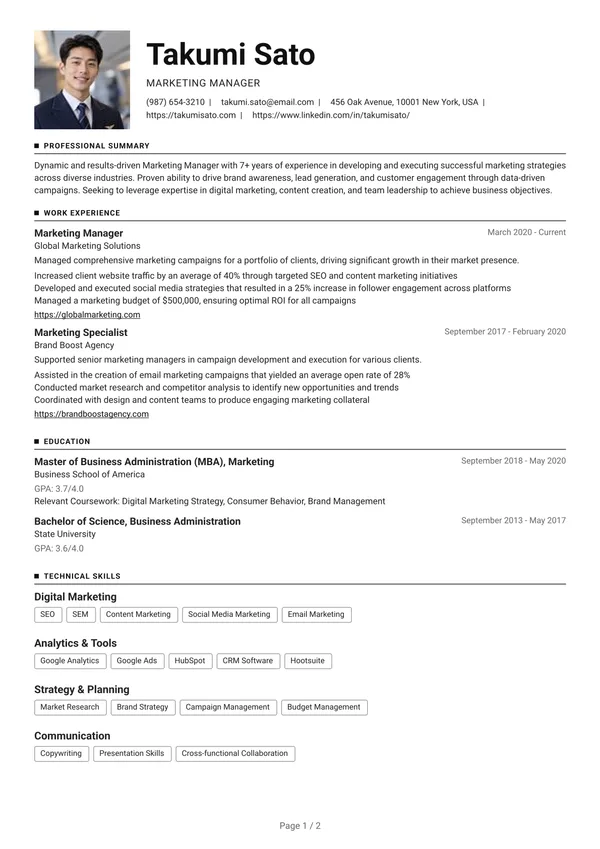
- Marketing ManagerSee a full marketing manager resume example with summary, campaign results, tools and skills, and learn how to present your own work clearly.
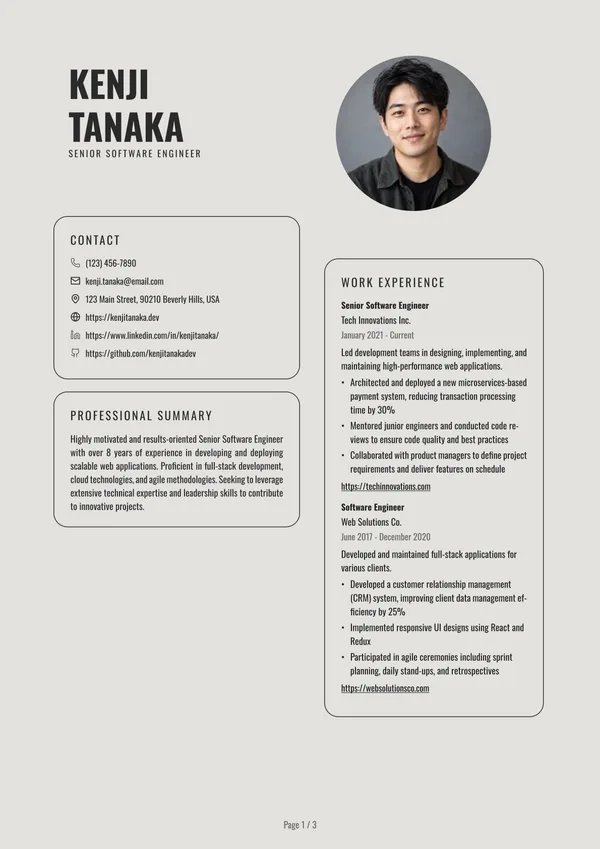
- Senior Software EngineerA senior software engineer resume example showing experience, tech stack, impact and skills, with advice on how to write each section yourself.